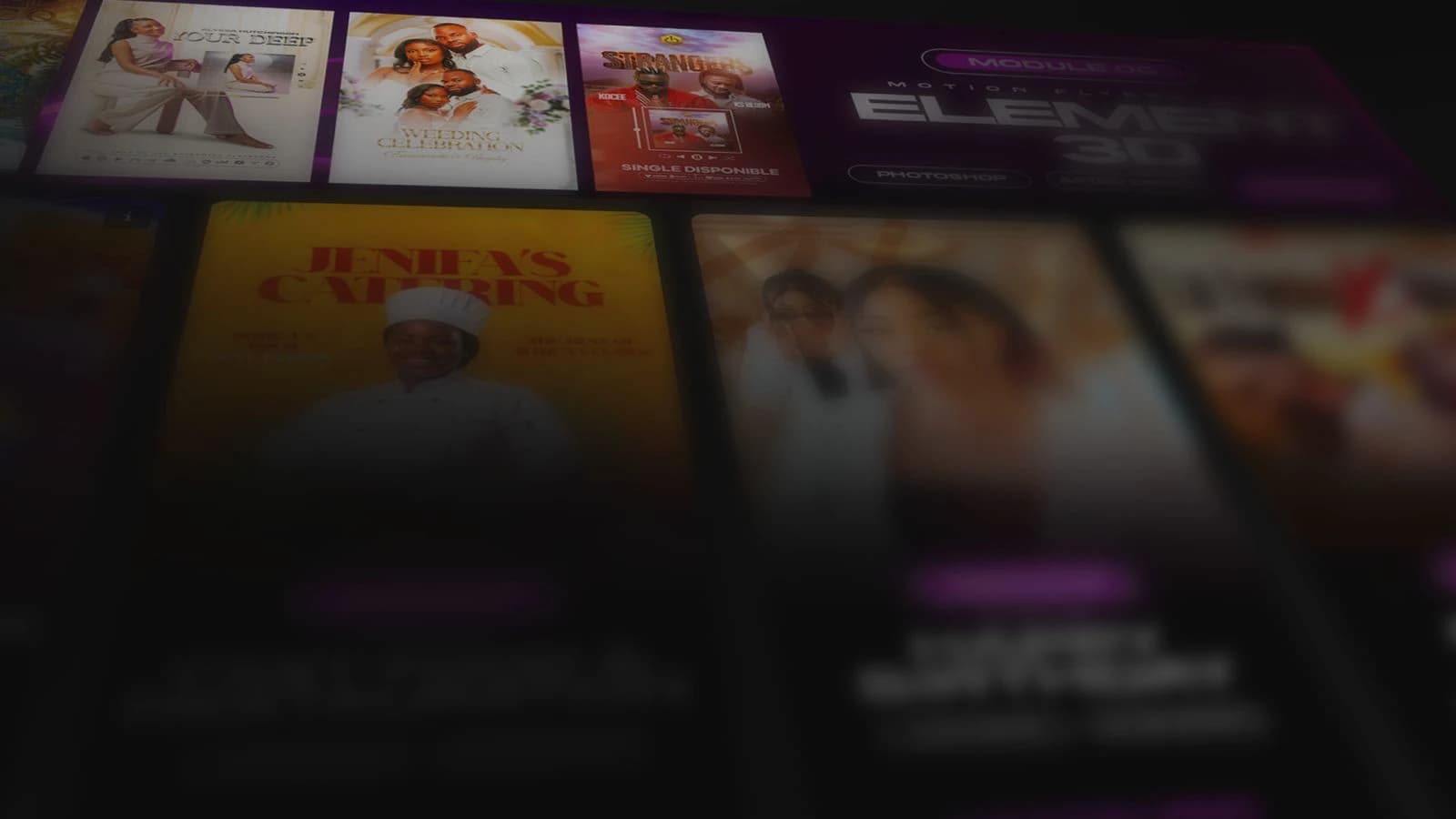
Create motion flyers that grab attention.
Learn to design professional animated flyers in After Effects, from idea to final render, even if you're new to motion design.
You're a graphic designer and want to go from static flyers to animated ones.
You're new to After Effects and want to learn through real projects.
You want to offer motion flyers to your clients and raise your rates.
You want to stand out on social media with authentic content.
What you'll learn
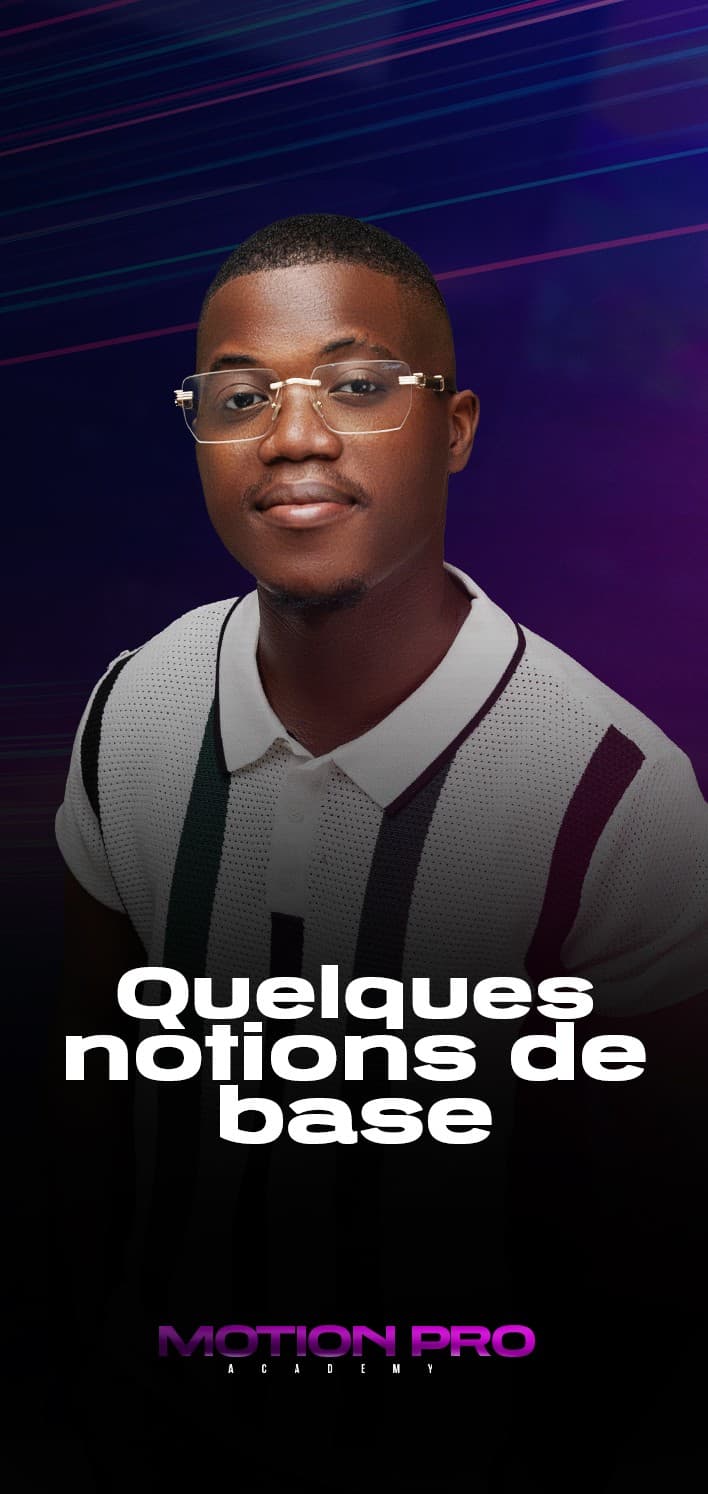
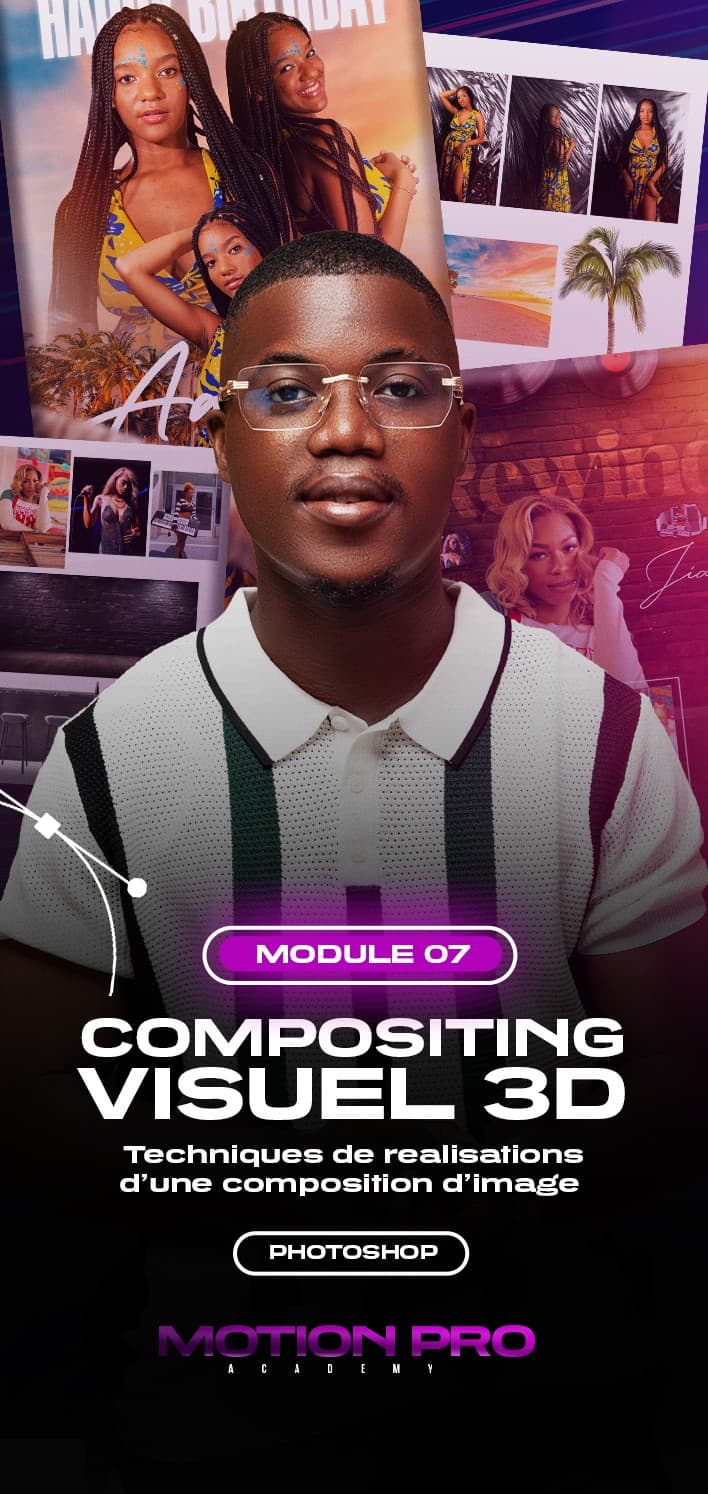
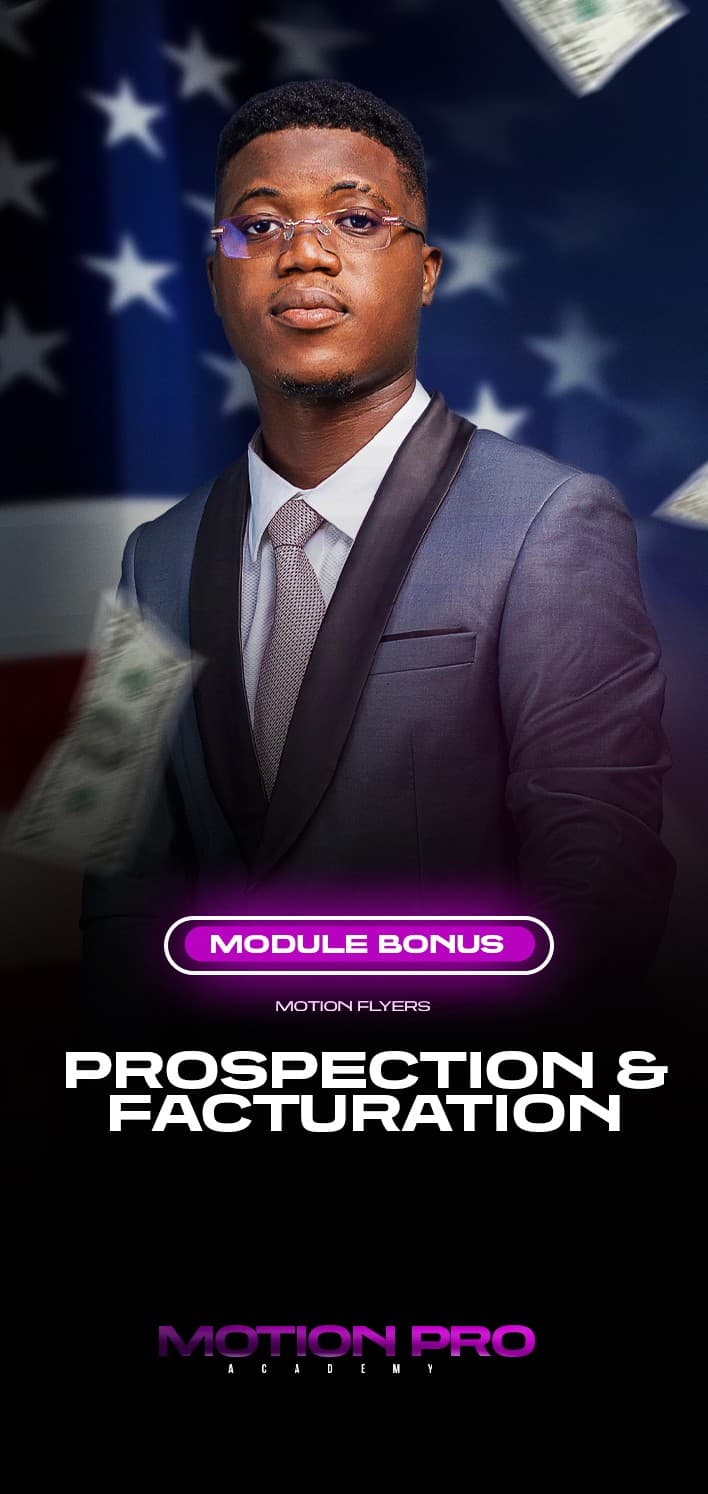
9 chapters, from the basics to 3D compositing, plus a bonus to land your first clients.
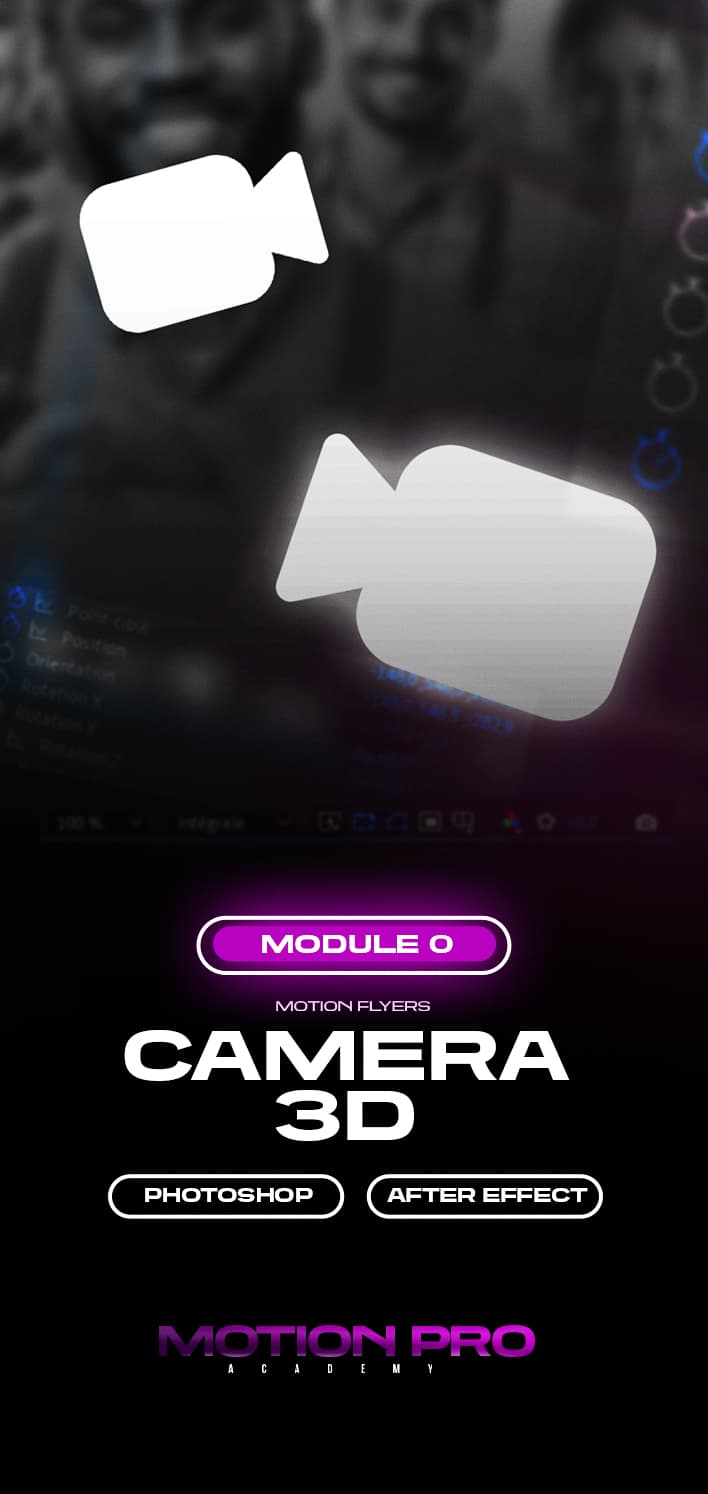
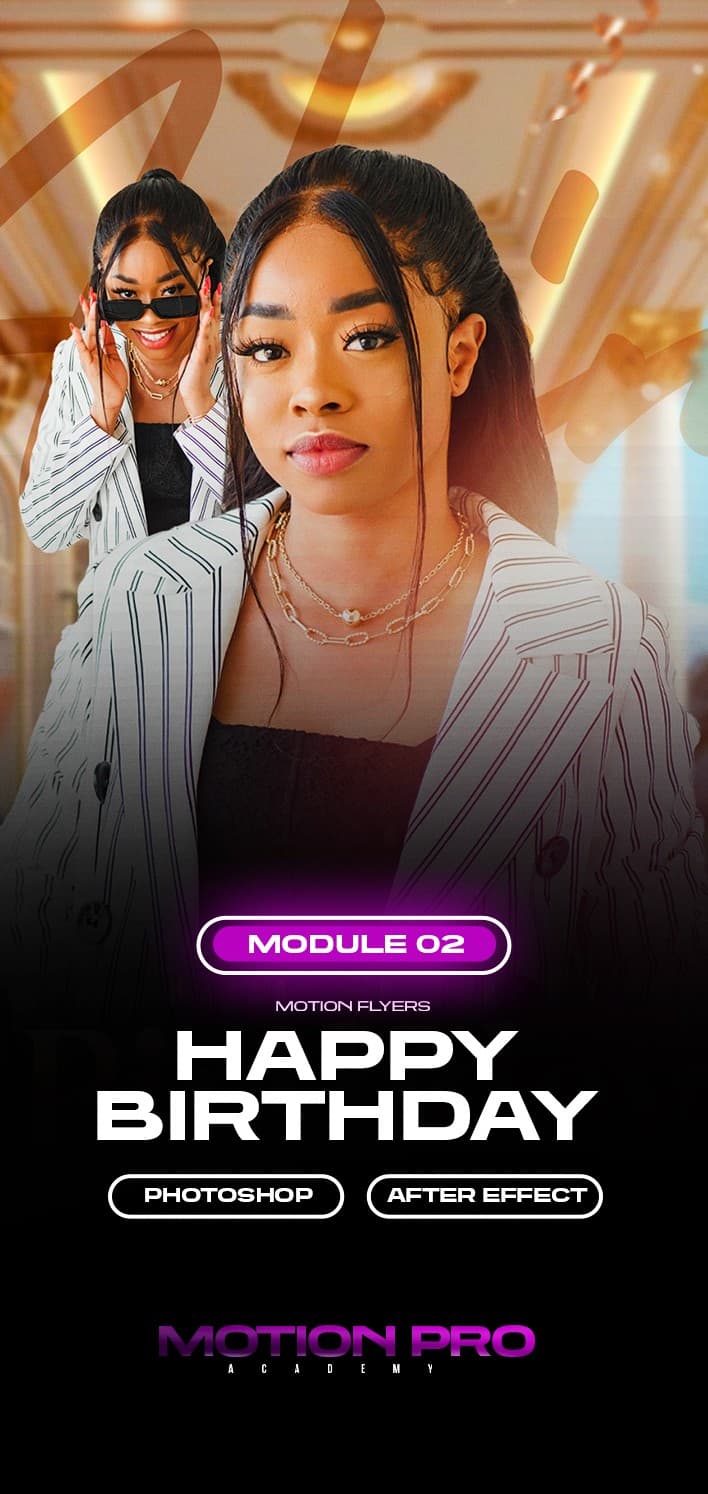
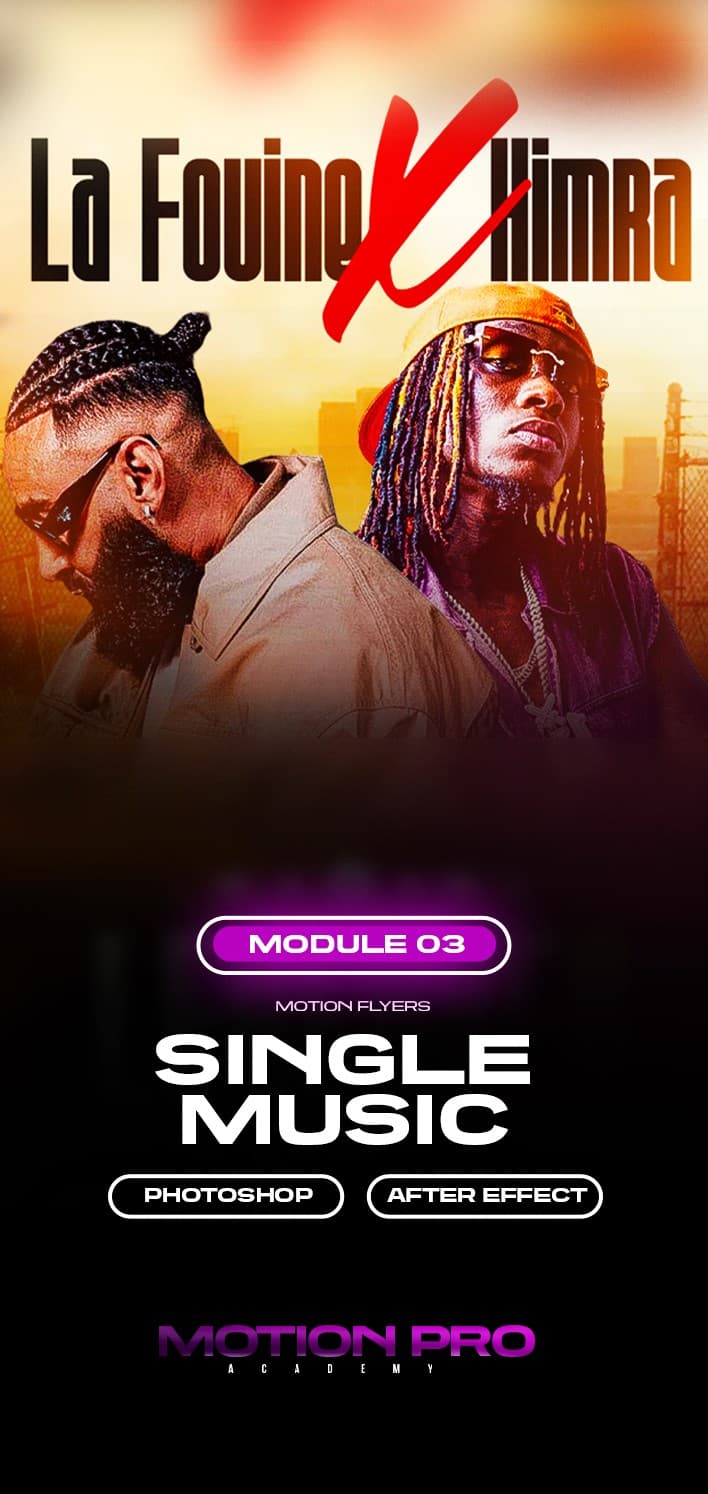
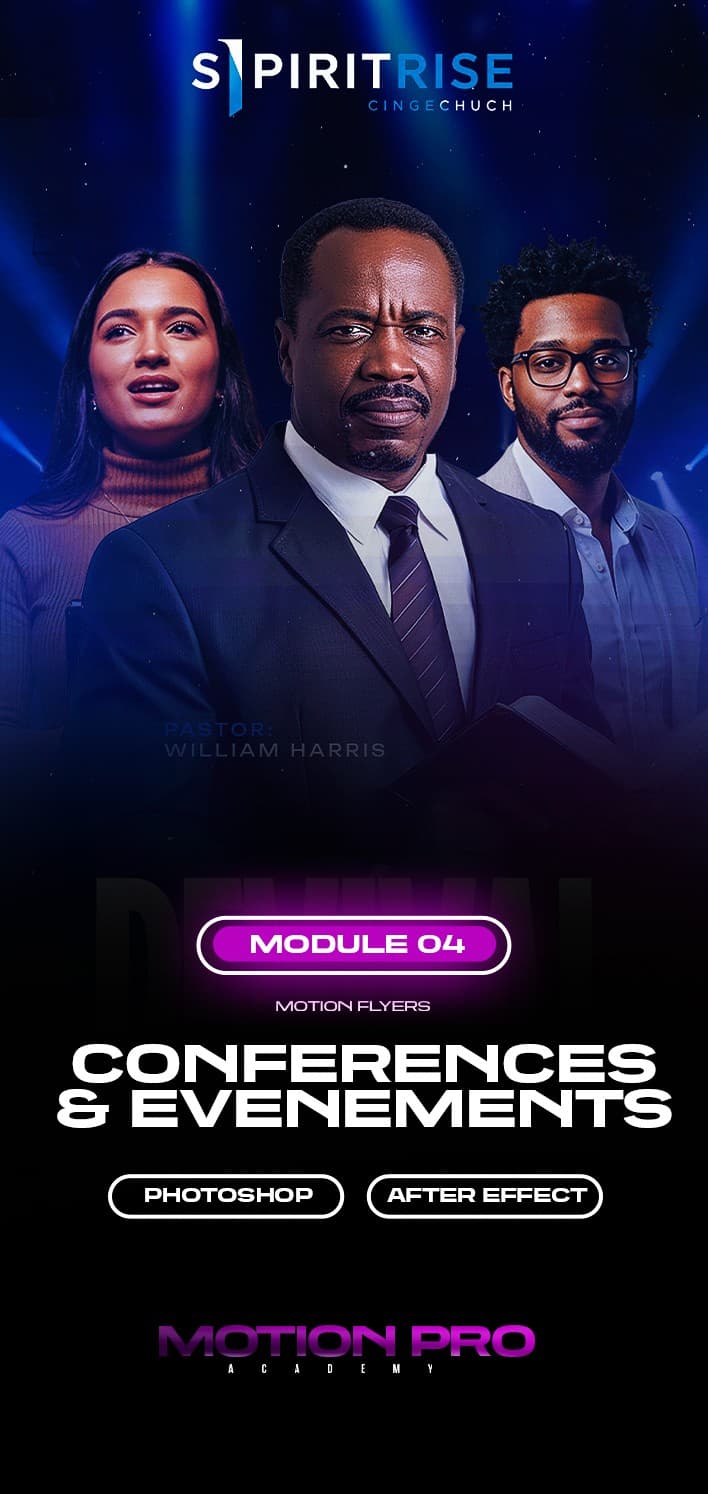
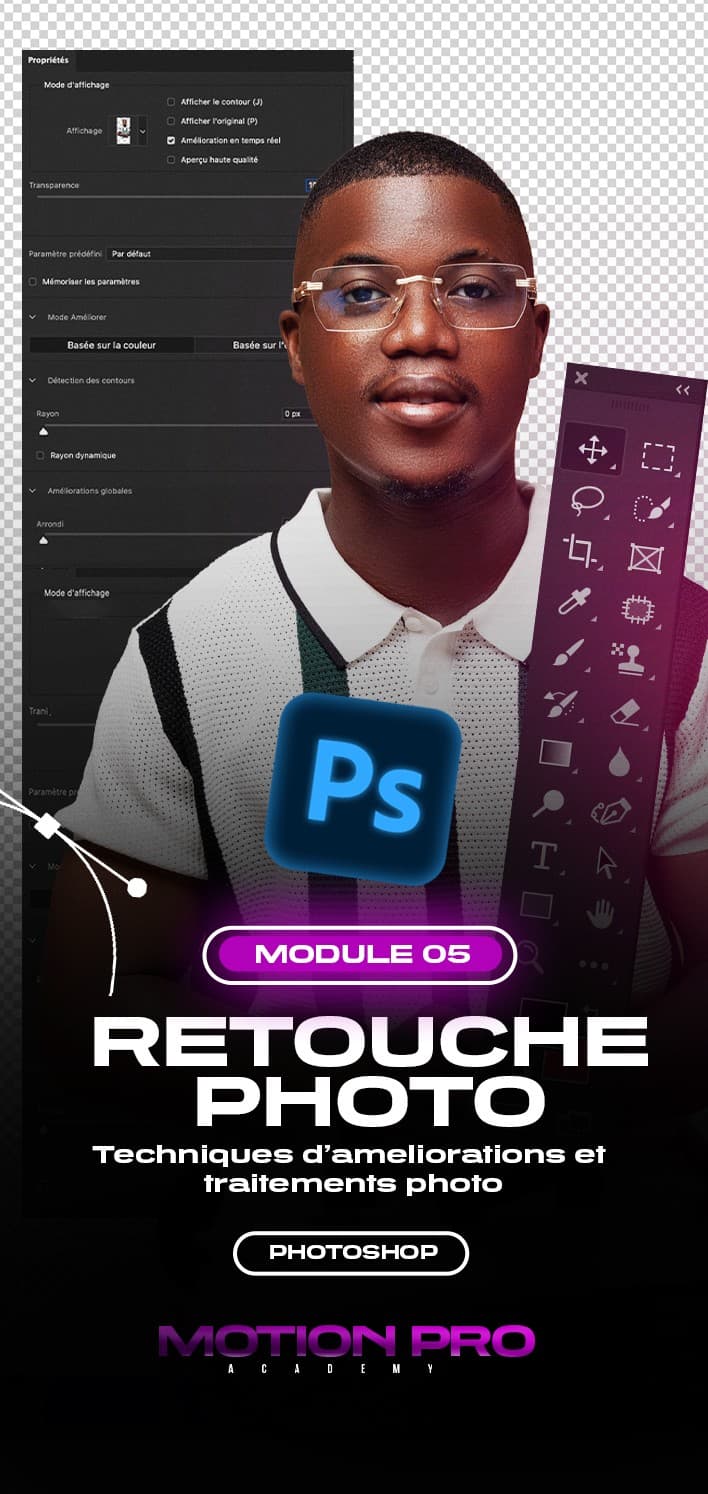
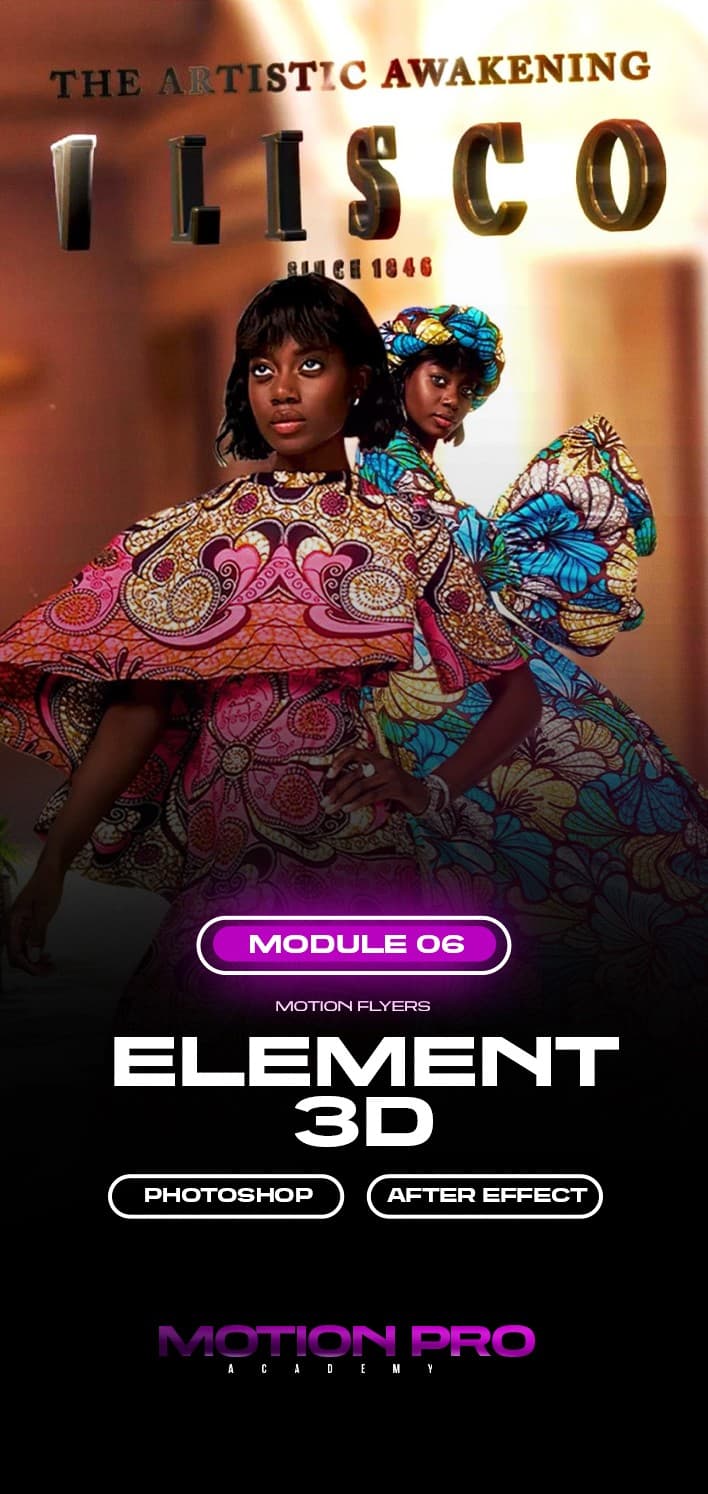
What you'll be able to create
You'll learn to create these motion flyers from start to finish.
I want to learn how(new tab)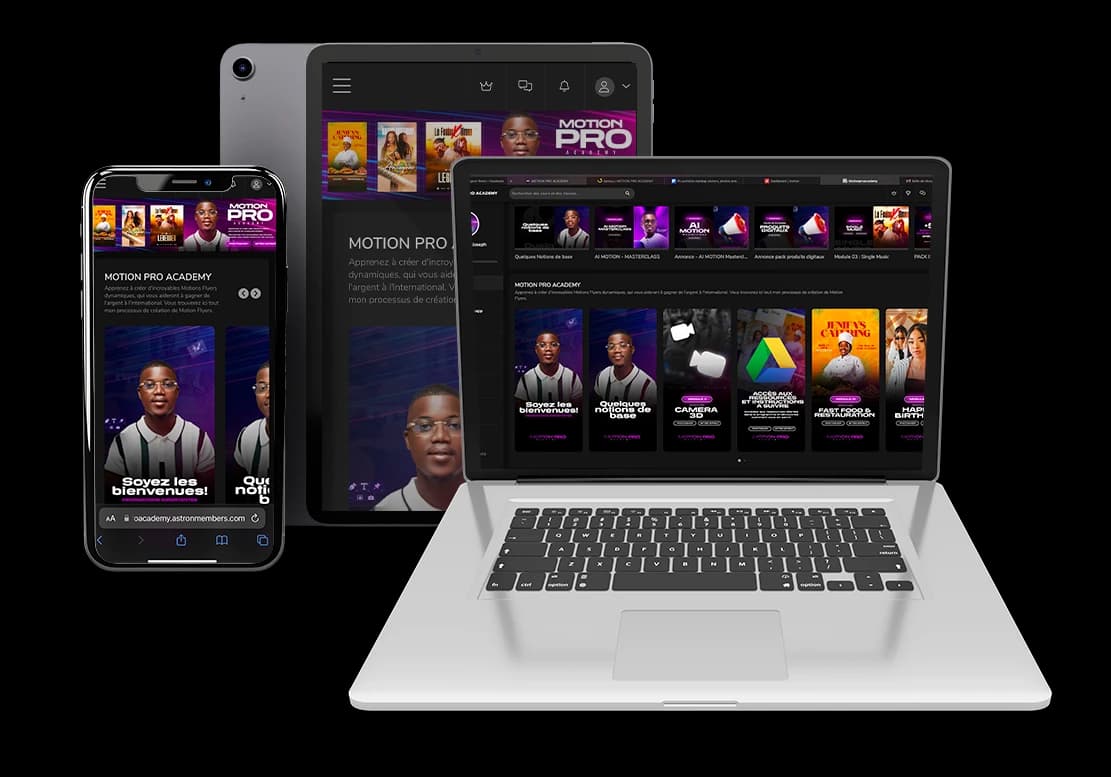
What you get
- The After Effects project files for every module
- A private group to ask your questions and get support
- 1 year of access to the course platform
- Exclusive, priority access to FlyersLab promotions
Join the course
- 9 chapters, from the basics to 3D compositing
- The After Effects project files
- A private group for your questions
- 1 year of access, updates included
- Priority access to FlyersLab promotions
Frequently asked questions
1Do I need to know After Effects already?
No. The course starts with the basics and progresses step by step.
2What is the minimum After Effects version?
After Effects 2022 or a more recent version.
3How long do I have access to the course?
Access lasts one year, updates included.
4How does payment work?
You can pay easily by Mobile Money or by card on Chariow, a secure payment method.
Have another question?
Ask it in the WhatsApp community (new tab)